
-
Improved User Experience
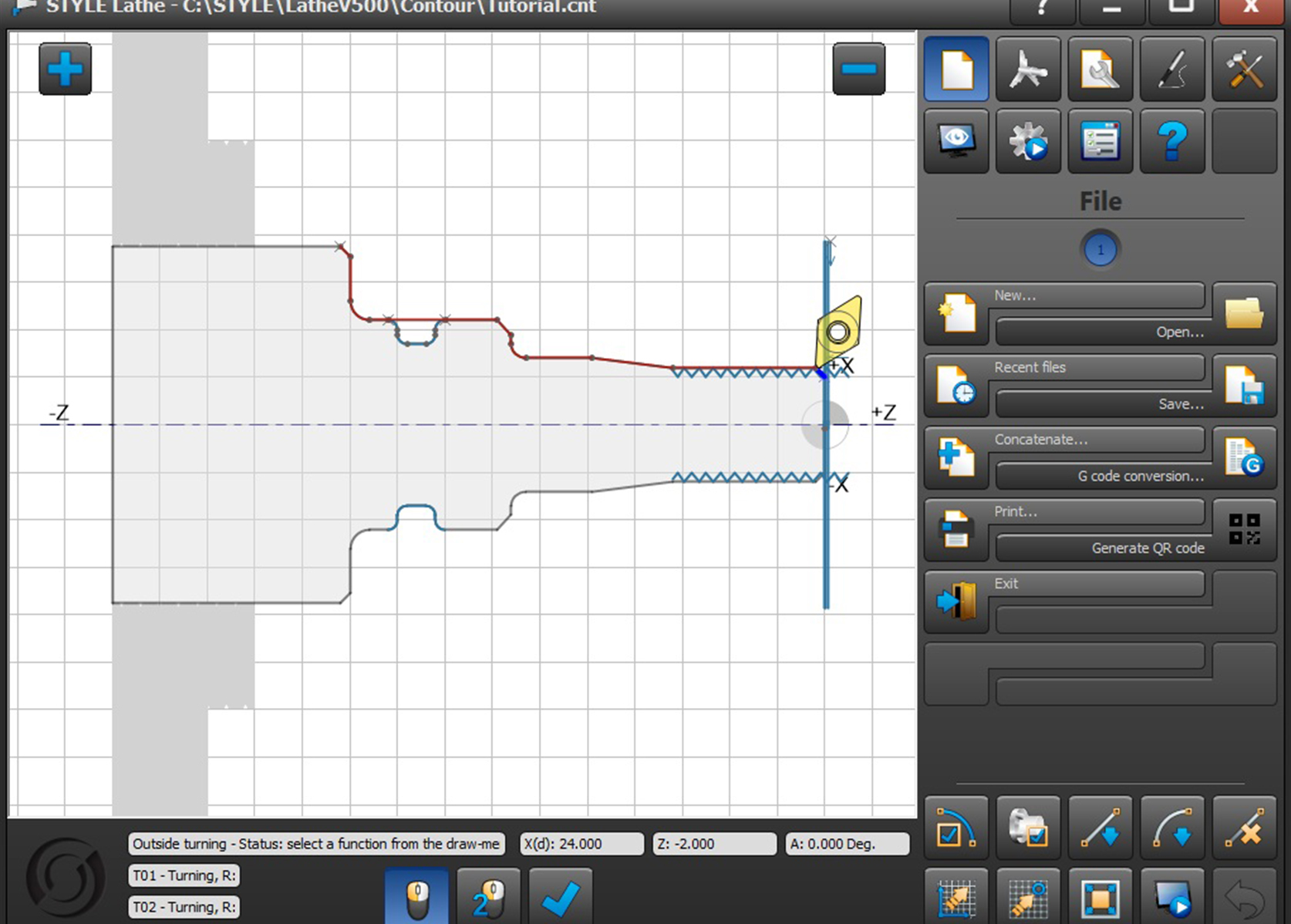
With STYLE Edition 2026, you'll take a big step forward without having to relearn how to use it.
-
What stays the same?
- The familiar interface
- The Logical Structure of Programming
- Your current way of working
So you can get started right away without a long training period
-
What improvements have we made?
Even easier programming
- Entering Multiple Lines One After Another
- Not having to open the same dialog every time
- Fewer clicks = less time wasted
Result: shorter programming time and higher output
-
Using the Enter key makes programming even easier
- Starting Point → Enter
- End point → Enter
- Working without interruptions
Result: a smoother workflow
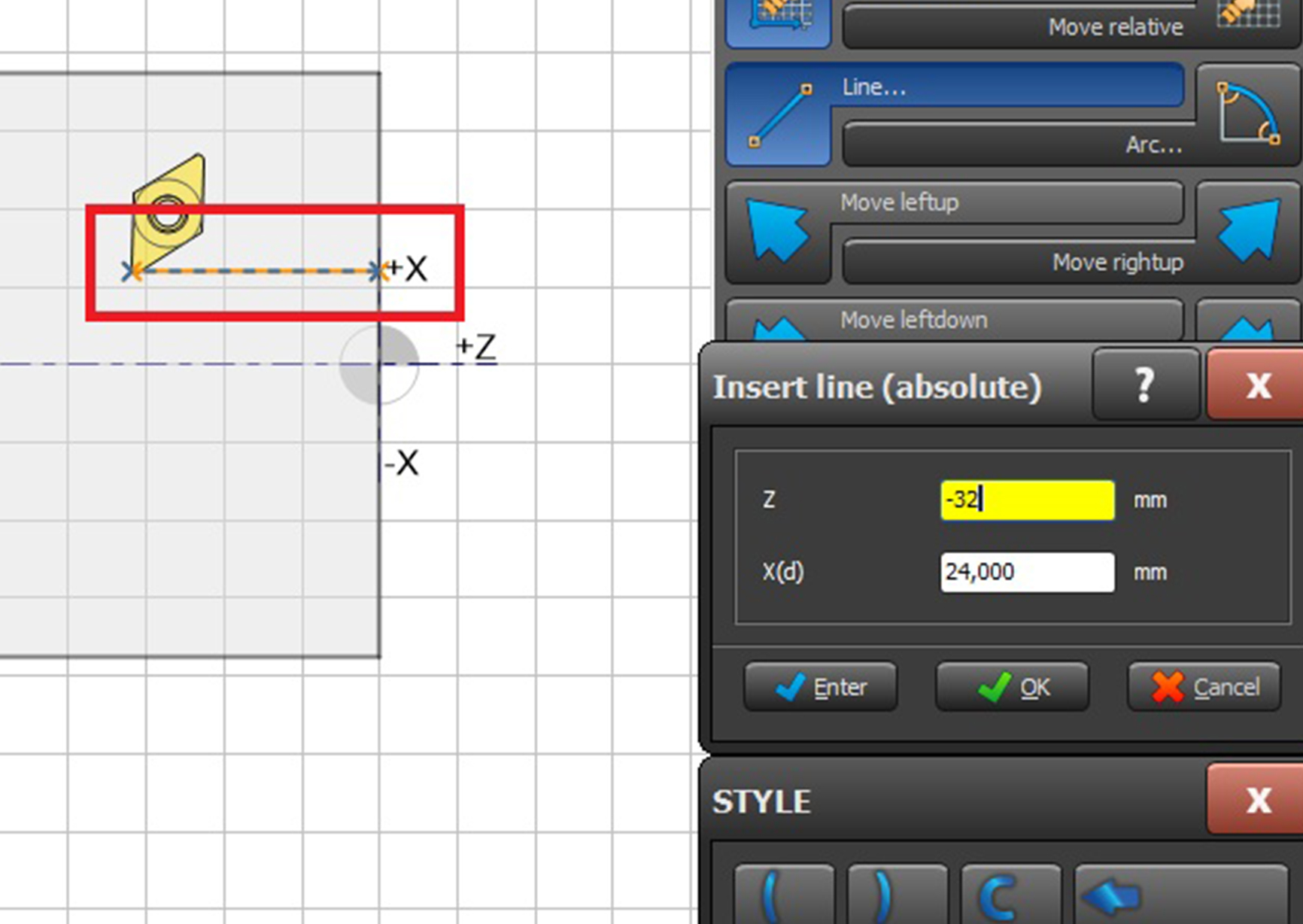
In older versions, only the “OK” button was present; after that, the dialog box closed immediately. This no longer happens when you press the Enter key.
-
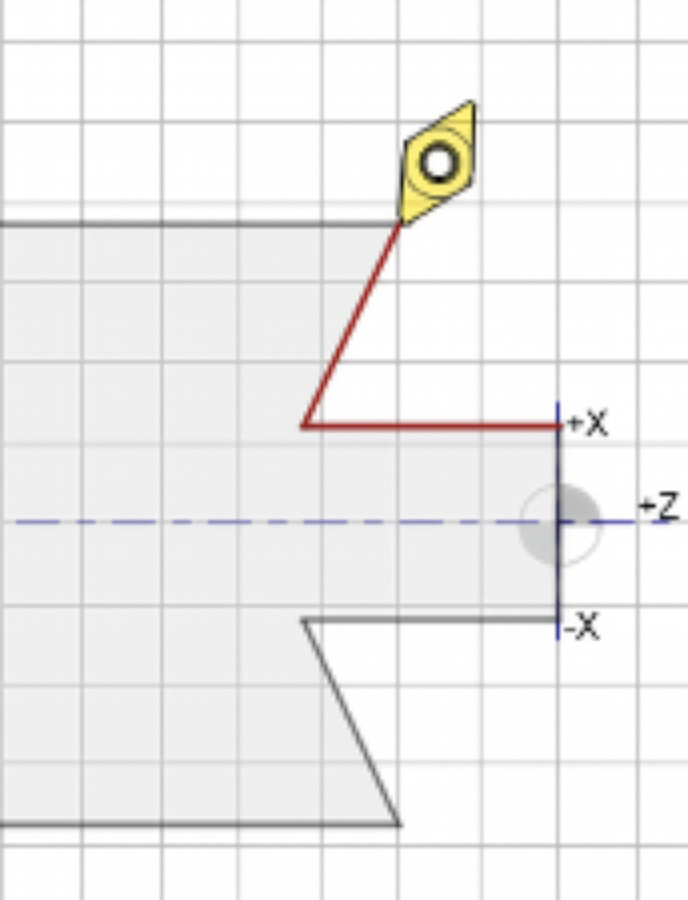
Immediate visual feedback
- You can see right away what you're doing
- The cutter moves in real time as you type
- No surprises afterward
Result: fewer errors and greater control
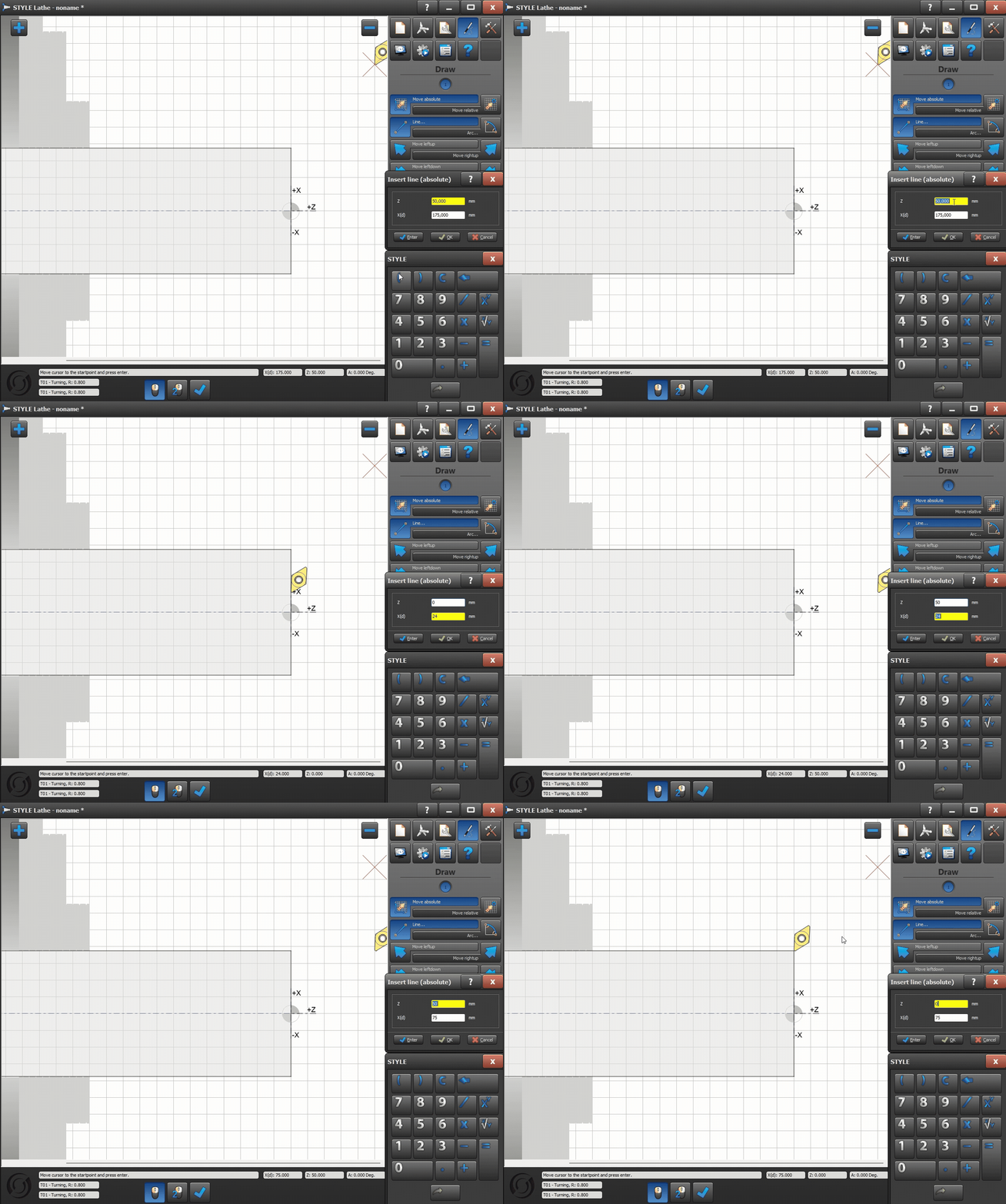
Immediate visual feedback
-
More freedom and functionality
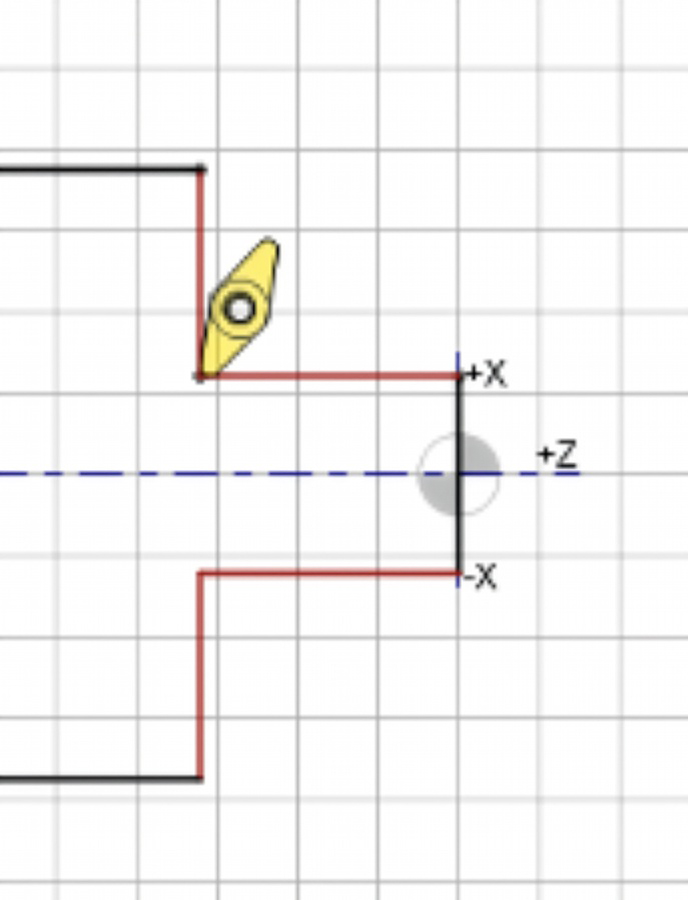
- Working with contours instead of solid lines
- More freedom in design
- Making More Complex Projects Easier
Result: flexibility you didn't have before
-
By 2026
-
2026
-
Intuitive controls inspire confidence
- Cleverly placed dialogue (on the right side of the screen)
- Fewer hand movements
- A Better View of Your Workpiece
Result: a more comfortable and efficient work environment
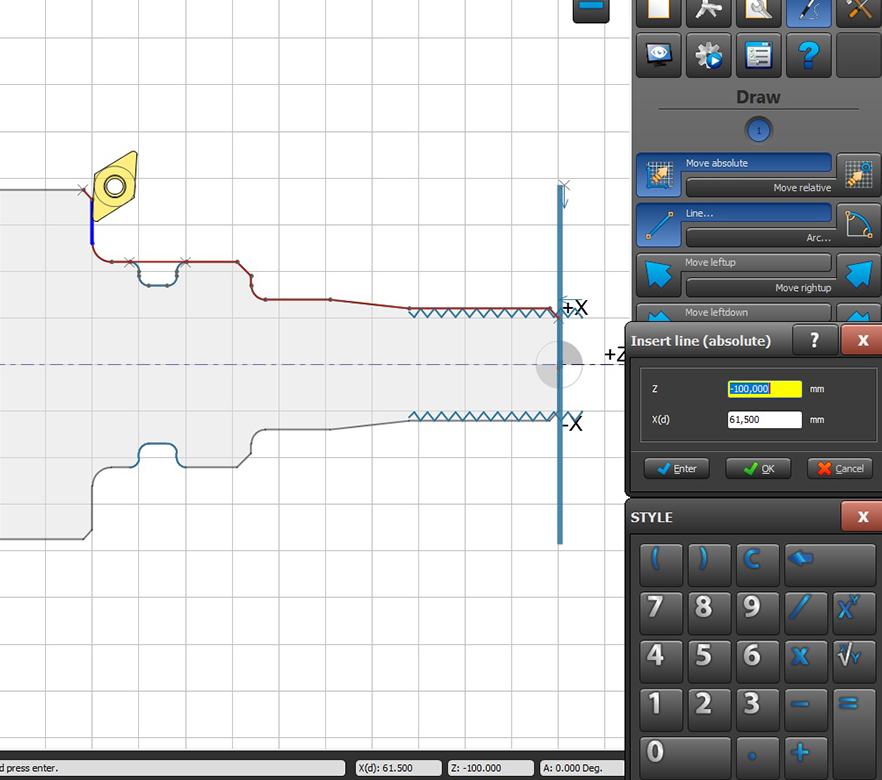
Dialogs on the right side of the screen, providing a better view of the workpiece.
- Back to overview