C-axis machining with driven live tools
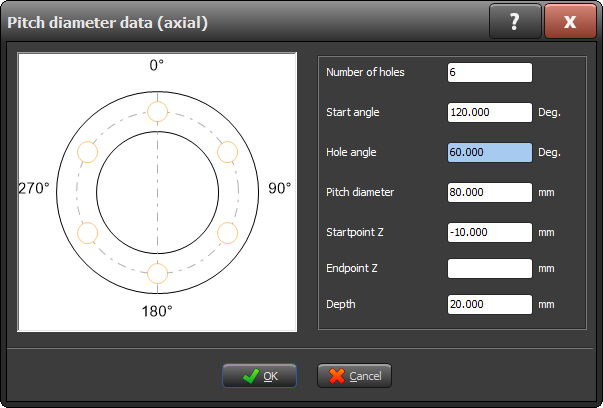
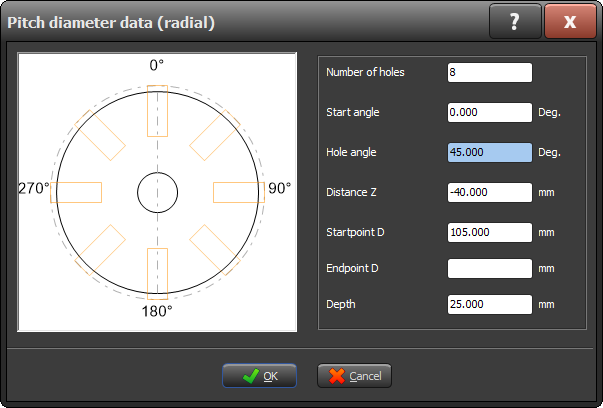
You can now program drilling and tapping operations without an ISO code, including a simulation beforehand.

Select your machine and current software version to see right away which new features are available for your machine.
since the 2021 edition
Including C-axis operations with powered tools, an independently adjustable rapid traverse, and an optional pause during automatic unloading.
You can now program drilling and tapping operations without an ISO code, including a simulation beforehand.
Whereas axial and radial drilling and tapping operations previously had to be programmed in ISO code, the 2026 software now offers a simple STYLE programming solution for this. This allows these operations to be programmed more quickly and in a more user-friendly manner. In addition, the new version supports simulation of C-axis programs, so that the result can be checked in advance and the risk of programming errors is further reduced. To use this functionality, the machine must be equipped with an oriented spindle stop and a tool changer with driven live tools.
We've focused a great deal of attention on optimizing the user experience. Thanks to a redesigned interface, an improved workflow, and immediate visual feedback, you'll be able to work faster and with greater confidence. Discover all the changes in the presentation.
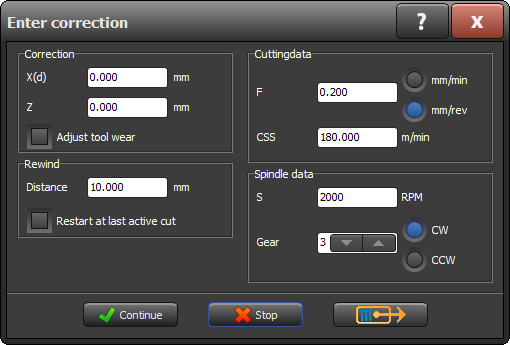
View the changesYou can set the feed rate yourself in the output dialog box. This allows you to work more safely and gives you greater control while setting up and testing programs. Because you have more time to intervene if something doesn't go according to plan, the risk of damage is significantly reduced.
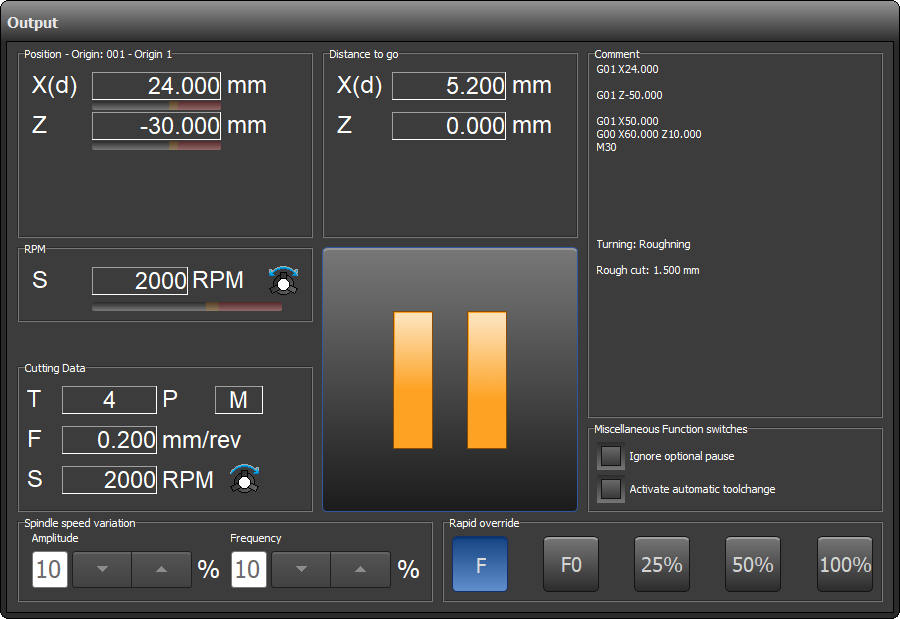
The machine's active zero point is now always displayed on the output screens, during tool calibration, and in manual mode.
Automatic tool changes can be easily enabled or disabled during a running program. This gives you the flexibility to always adjust the machine to the current situation.
Schedule a optionale stop during a machining operation, for example, to blow the workpiece clean or take a measurement, without stopping the program.
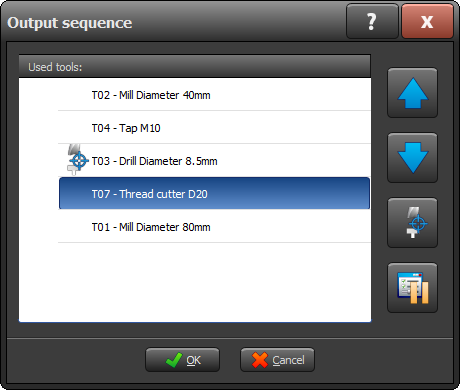
Document your projects more professionally: now import images directly into the project documentation.
When setting the tool geometry, the correct direction of rotation is automatically selected. This reduces the risk of errors, even in manual mode.
Manage more tools within a single central library. The capacity has been expanded to a maximum of 5,000 tools.
The SoftStop feature is now also available for the wire cutting cycle. This allows you to safely pause and resume in a controlled manner, without the risk of damaging the wire or workpiece.
During operation, you can see at a glance how much distance the machine still has to travel within the current operation and which operation follows next. This way, you always have a complete overview of the program’s progress.
Save complete configurations and easily reload them. Perfect for companies with multiple STYLE machines and when drawings are prepared in the office using the job preparation version.
The variable spindle speed can be adjusted during machining in terms of both speed and frequency. The spindle speed can also vary automatically to reduce resonance and vibrations.

The software now supports workpiece rotation directly when setting up raw material or a new workpiece. This is useful if the workpiece is not perfectly aligned when clamped to the machine.
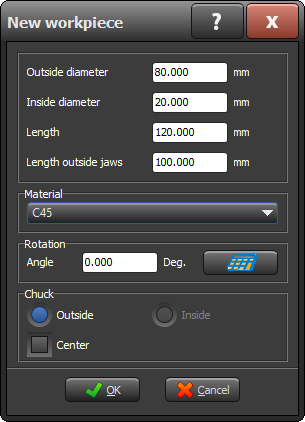
When the operation is complete, if the machine supports this feature, the spindle can automatically stop at a fixed, preset position. The stop angle is easy to set under Options. Ideal when changing materials: the keyhole of the chuck is immediately in the correct position.
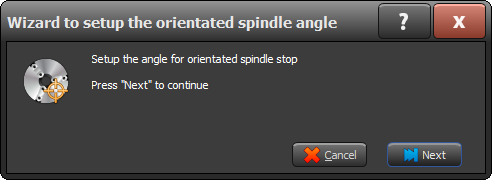
More storage space for tools thanks to an extensive library with room for up to 1,000 tools.
It is now easier and faster to program multi-pass toolpaths. The various passes are automatically distributed evenly around the circumference of the workpiece.
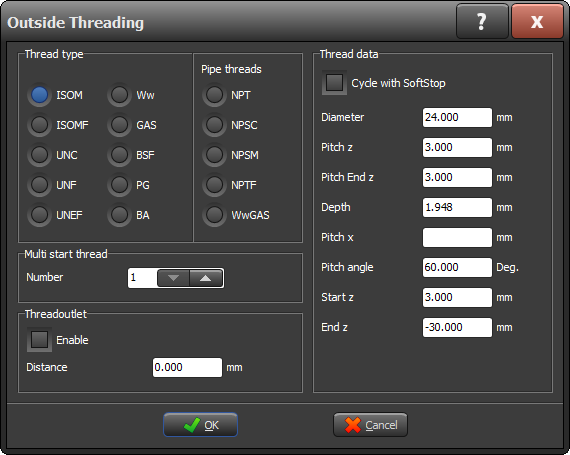
Multitasking is now easier: While entering data, the STYLE touch input dialog box remains active in the background (modeless). This allows you to switch between screens more quickly and adjust your actions without having to close the window each time.
Prevent long, curling chips that cause damage or machine downtime. Thanks to the new chip-breaking feature, short, broken chips are automatically produced when:
This extends the service life of your tools, prevents damage to the workpiece, and improves safety in the workplace.
Now perform thread cutting operations with a clean, standardized free-cut in accordance with the DIN standard. The free-cut is added automatically, ensuring that you always meet professional standards without any additional programming.
Get instant insight into your machine's performance. In both manual and automatic modes, you can now see the current engine power. Ideal for monitoring and optimization.
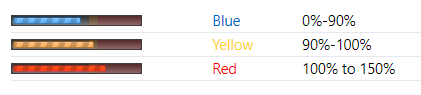
The updated Softstop feature remembers where the last active cut took place. After a pause, the machine automatically resumes at the correct point, without any loss of accuracy.