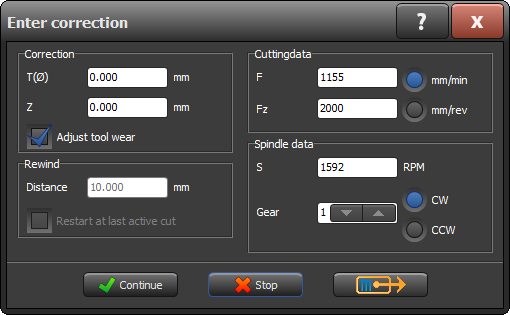
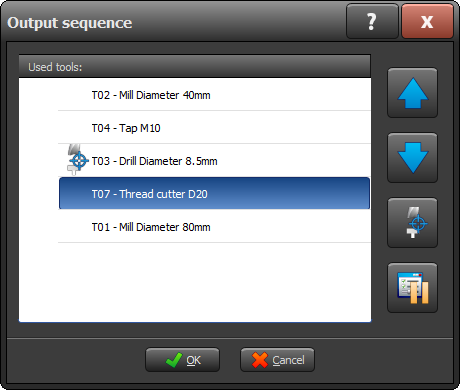
Set tool changes directly during output.
Automatic tool changes can be easily enabled or disabled during a running program.

Select your machine and current software version to see right away which new features are available for your machine.
since the 2021 edition
Including: Real-time preview while drawing, Fast mode adjustable independently of the power button, and active zero point always visible.
Automatic tool changes can be easily enabled or disabled during a running program.
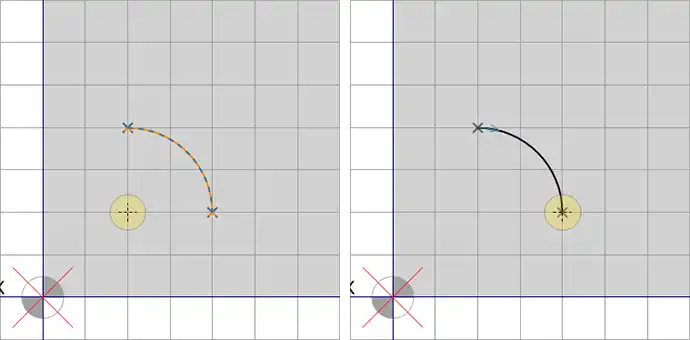
You'll immediately see a preview of what you're programming on the screen. After checking and confirming with the Enter key, the programming is permanently saved.
You can set the feed rate yourself in the output dialog box. This allows you to work more safely and gives you greater control while setting up and testing programs. Because you have more time to intervene if something doesn't go according to plan, the risk of damage is significantly reduced.
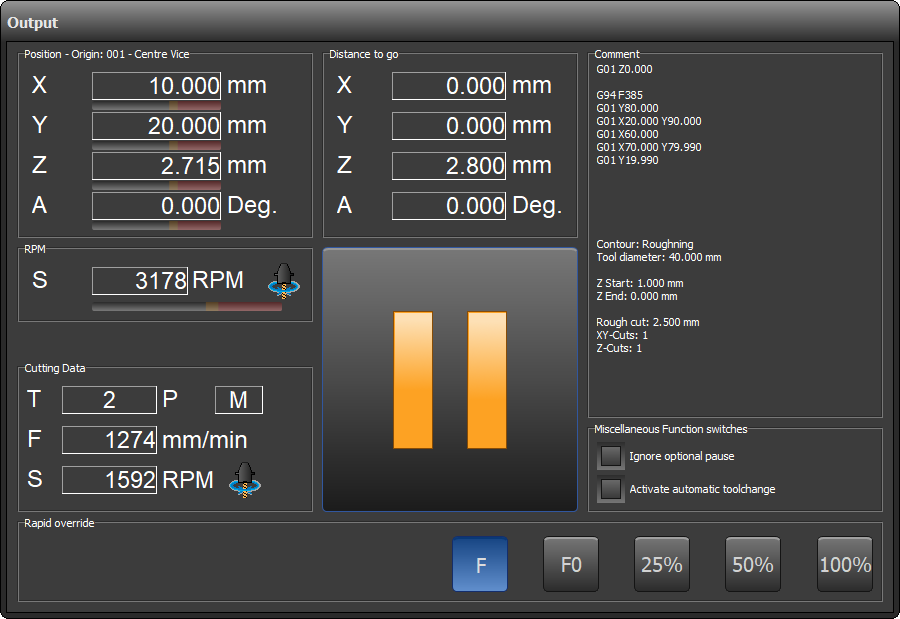
The machine's active zero point is now always displayed on the output screens, during tool calibration, and in manual mode.
Automatic tool changes can be easily enabled or disabled during a running program. This gives you the flexibility to always adjust the machine to the current situation.
Schedule a optionale stop during a machining operation, for example, to blow the workpiece clean or take a measurement, without stopping the program.
DXF files containing splines are now fully supported. This makes importing complex contours easier than ever.
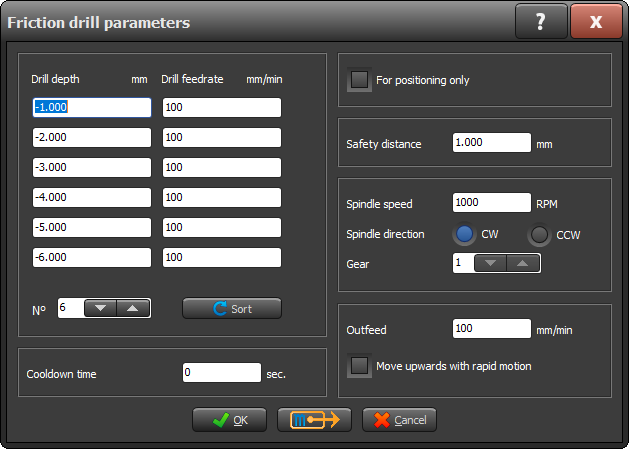
Perform flow drilling directly from the control system, without any manual detours.
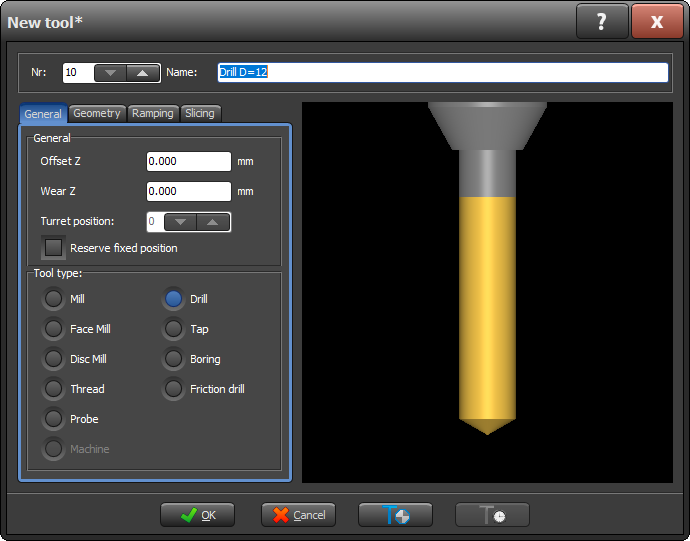
You can now keep certain tools in a fixed position.
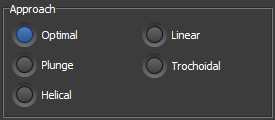
You can now choose how the cutter approaches the workpiece in the Rectangle, Circle, Keyway, and Curved Keyway cycles. This allows you to perfectly tailor the tool movements to your workpiece and material.
Manage more tools within a single central library. The capacity has been expanded to a maximum of 5,000 tools.
Save time and prevent measurement errors with automatic tool setting. The new probing function sets up each tool quickly and accurately, so you can start machining right away.
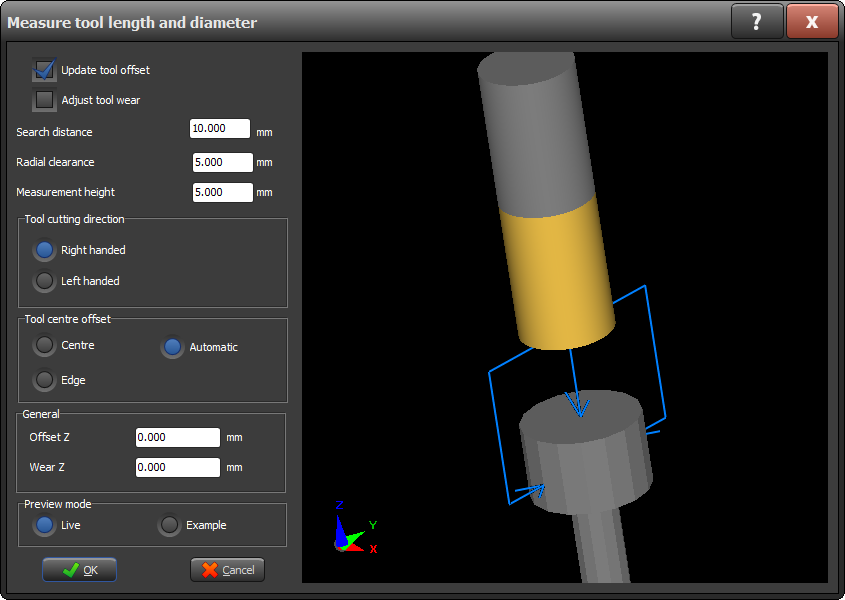
Now work even more realistically. You can choose or adjust the shape of the raw material— block or cylinder, including inner and outer diameters. The control system automatically takes this shape into account when flattening the raw material, as well as in simulation, G-code conversion, and workpiece documentation.
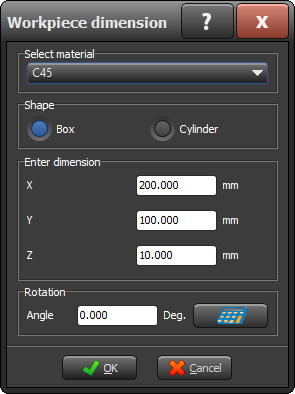
During operation, you can see at a glance how much distance the machine still has to travel within the current operation and which operation follows next. This way, you always have a complete overview of the program’s progress.
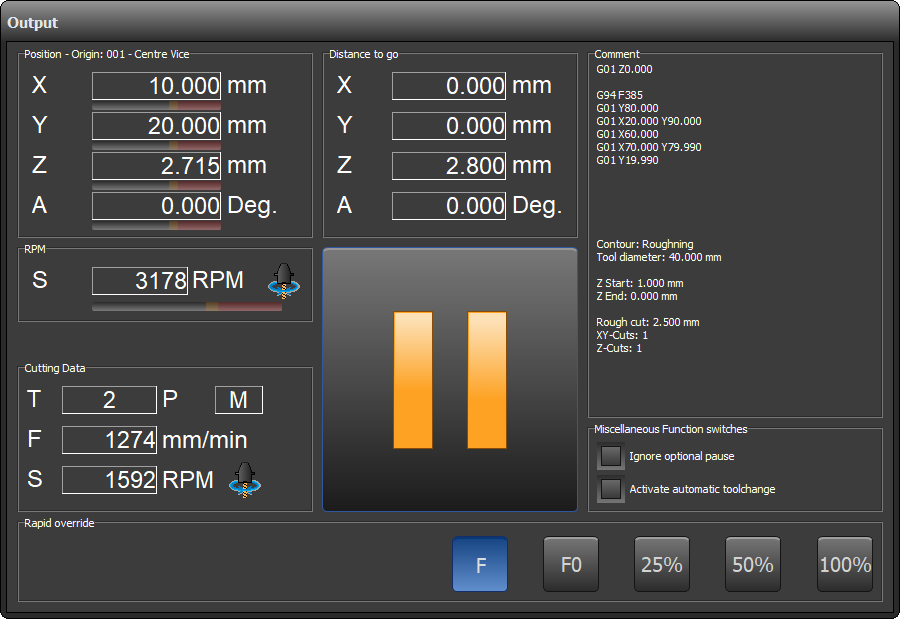
Save complete configurations and easily reload them. Perfect for businesses with multiple STYLE machines.
Milling is becoming smarter, smoother, and faster. With trochoidal milling (also known as peeling milling), you can get more out of both your tool and your machine. By milling with small, overlapping circular motions, the entire cutting length of the milling tool can be utilized .
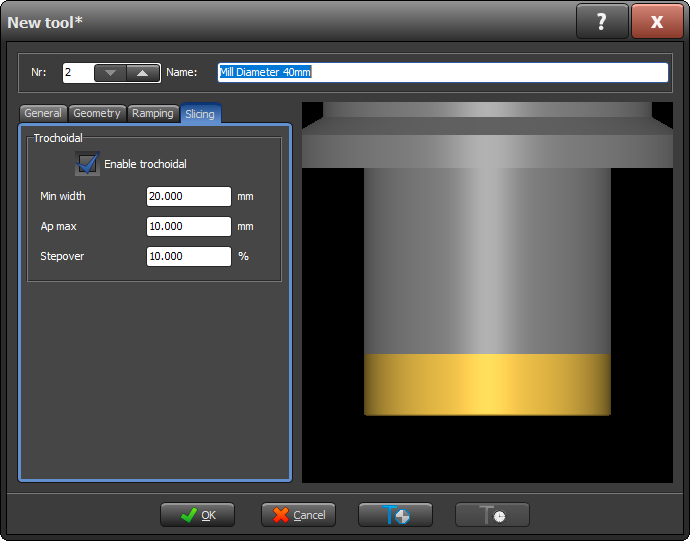
Full support for the use of probe functions. This allows you to automatically measure workpieces and set zero points directly from the control system.
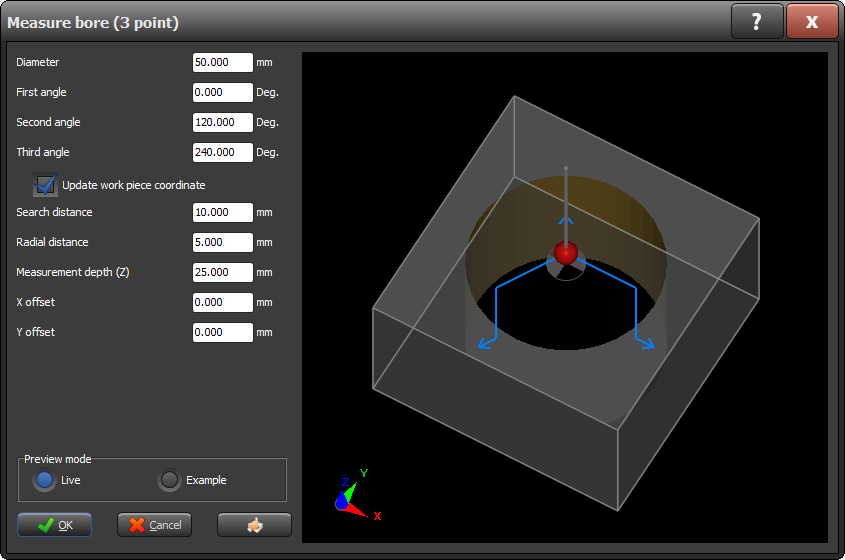
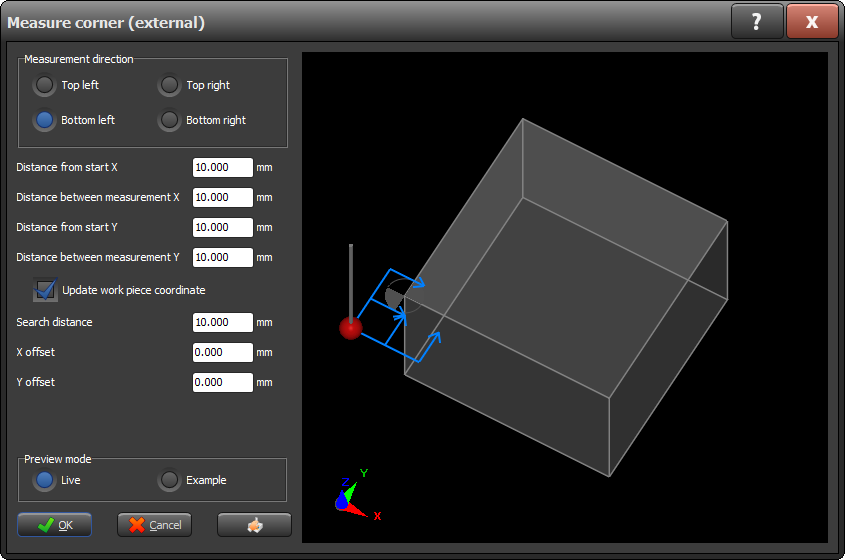
You are no longer limited to a specific tool for setting the zero point. Simply set the workpiece to zero using any tool. In the tool library, all you have to do is select T00 as the machine type.
Manage more tools within a single central library. The capacity has been expanded to a maximum of 1,000 tools.
View your program as if it has already been milled. With the new 3D simulation, which includes material removal, you get a realistic preview of the final result.
Multitasken wordt nu makkelijker: Tijdens het invoeren van gegevens blijft het STYLE touch-invoerdialoog actief op de achtergrond (modeless). Hierdoor kun je sneller wisselen tussen schermen en bewerkingen aanpassen zonder het venster telkens te sluiten.
Work with greater precision and flexibility thanks to full A-axis integration:
Greater control over complex operations, fewer manual steps.
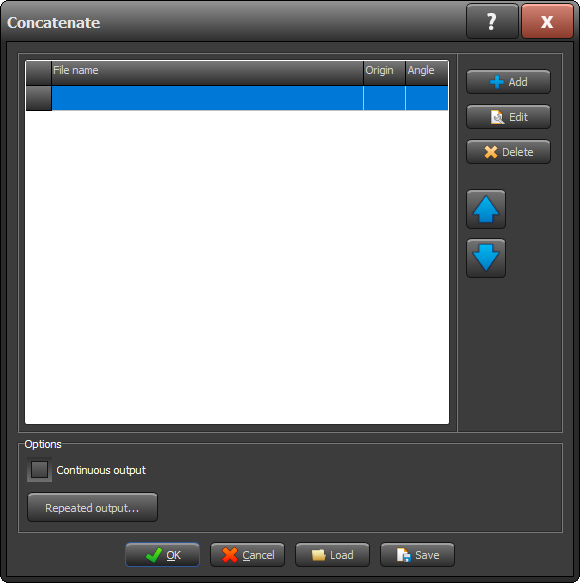
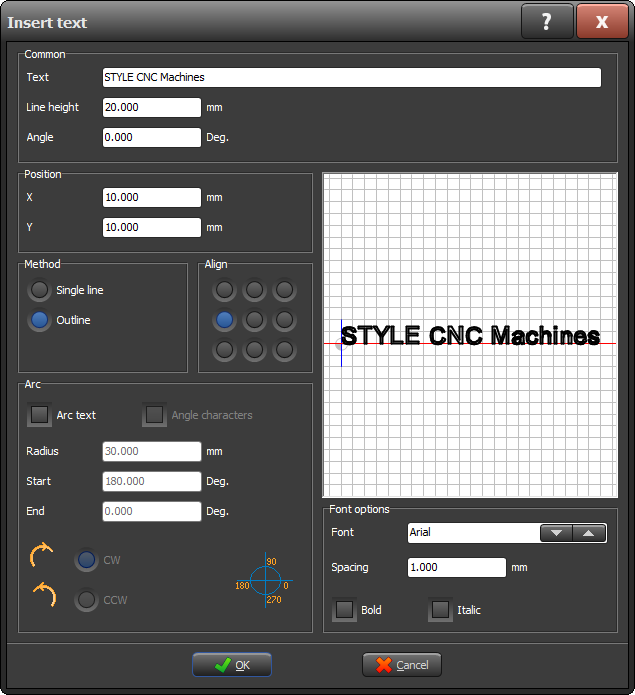
Thanks to the new engraving feature, you can engrave text directly in virtually any font available in the operating system. Perfect for serial numbers, logos, and custom designs.
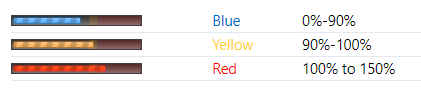
Get instant insight into your machine's performance. In both manual and automatic modes, you can now see the current engine power. Ideal for monitoring and optimization.
The updated Softstop feature remembers where the last active cut took place. After a pause, the machine automatically resumes at the correct point, without any loss of accuracy.